You bought electricity, you have a long string of numbers, and now you need the units on your meter. Loading a prepaid meter token takes under a minute once you know how — and most problems people hit have a simple fix. This guide covers keypad meters and split meters, what each error message means, and what to do when a token will not load.
What a prepaid meter token is
A prepaid token is a 20-digit number generated for your specific meter when you buy electricity. It encodes the units you paid for and can only be used once, on that meter. That is why the meter number you enter when buying matters: a token generated for a different meter will be rejected.
How to load a token on a keypad meter
- Get the token. After you pay, the 20-digit token appears in the app and is usually sent by SMS as well.
- Clear the display. If the meter shows a previous entry, press the clear or backspace key (often marked ← or C).
- Type all 20 digits. Enter them carefully, in order. Many meters show the digits in groups as you type.
- Press Enter. On most meters this is the Enter, # or a blue/green key. The exact key depends on the meter brand.
- Check the message. You should see “ACCEPT”, “SUCCESS” or similar, and your unit balance should increase.
How to load a token on a split meter (CIU)
Many homes have a split meter: the meter is outside or on a pole, and a small Customer Interface Unit (CIU) inside the house has the keypad. Load the token on the CIU exactly as above. If the CIU shows no connection to the meter, move it closer to the meter or check its batteries or power, then try again.
What the meter messages mean
| Message | What it means | What to do |
|---|---|---|
| ACCEPT / SUCCESS | The token loaded | Nothing — check your new unit balance |
| REJECT / ERROR | The meter did not accept the digits | Re-enter slowly; confirm the token was bought for this meter number |
| USED | This token has already been loaded | Check your balance — it may have loaded on the first try |
| OLD / EXPIRED | A newer token has already been used on this meter | Contact your DisCo or the vendor with the token and meter number |
| KEY CHANGE / KCT needed | The meter needs key change tokens before it accepts new tokens | Load the key change tokens your DisCo provides first, then your units |
The exact wording varies by meter brand, but the meanings above are standard across STS prepaid meters used in Nigeria.
Key change tokens (KCT)
Sometimes a meter must be updated before it accepts new tokens — for example after a tariff change or a system update. In that case you receive two key change tokens as well as your units token. Load the key change tokens first, one after the other, then load your units token. If you are asked for KCT and do not have them, contact your DisCo with your meter number.
Token not working? Check these first
- Wrong meter number at purchase. The most common cause. Compare the meter number on your receipt with the one printed on your meter.
- Prepaid vs postpaid. A postpaid account does not use tokens. Make sure you bought for the right account type.
- Wrong DisCo. A token from the wrong distribution company will not work. Buy from the DisCo that serves your area.
- Typing error. Re-enter the 20 digits slowly, ideally reading them from the screen rather than the SMS preview.
- Token not received. If no token arrives within a couple of minutes of payment, check the transaction in the app and contact support with the reference.
Buying a token on Mabro
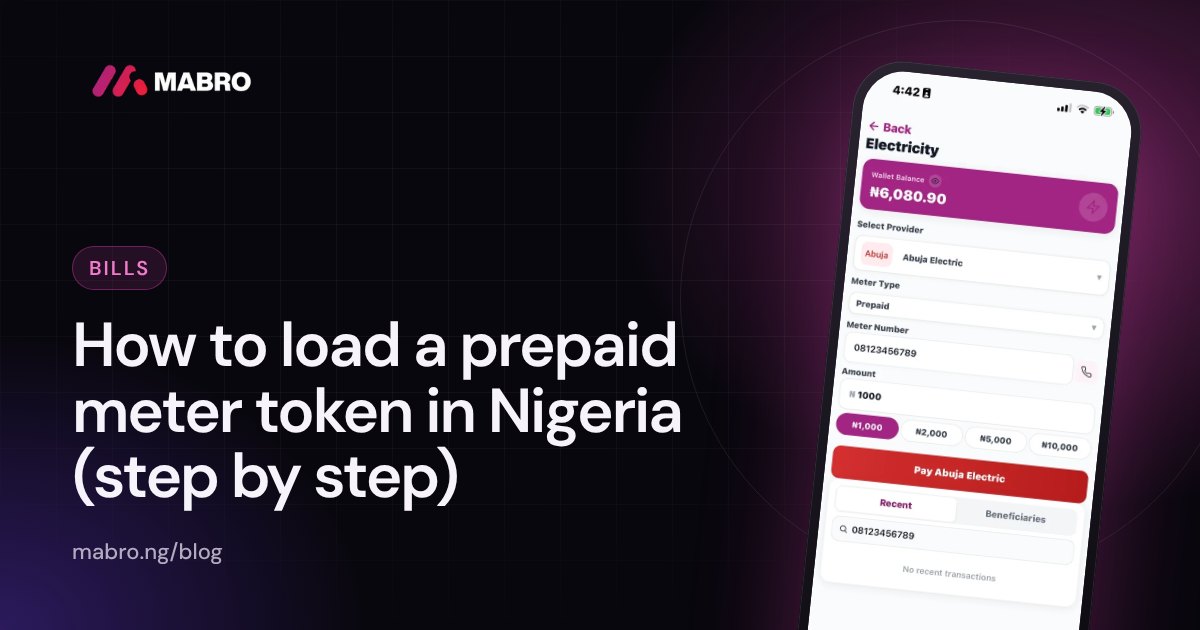
- Open Mabro and tap Electricity.
- Choose your DisCo and Prepaid.
- Enter your meter number and check the customer name that appears.
- Enter the amount and confirm with your PIN.
- Your token appears instantly in the app and by SMS. If it does not arrive within 2 minutes, contact support.
Mabro supports prepaid and postpaid meters for every Nigerian DisCo, and you can earn cashback on eligible bill payments. See pay electricity bills on Mabro, or read our guide to paying your NEPA bill online.
Related: Electricity tariff bands A to E: 2026 price per kWh.
Frequently asked questions
How many digits is a prepaid meter token?
20 digits. If you have fewer or more, check that you copied the whole token and not a transaction reference.
Can I load a token on someone else’s meter?
Only if it was bought for their meter number. You can buy electricity for anyone on Mabro — just enter their meter number when you pay.
Why does my meter say “used”?
That token has already been loaded, often because the first attempt worked. Check your unit balance before contacting support.
What should I do if my token is rejected repeatedly?
Stop after two or three attempts, confirm the meter number and DisCo on your receipt, and contact support with the token and transaction reference.