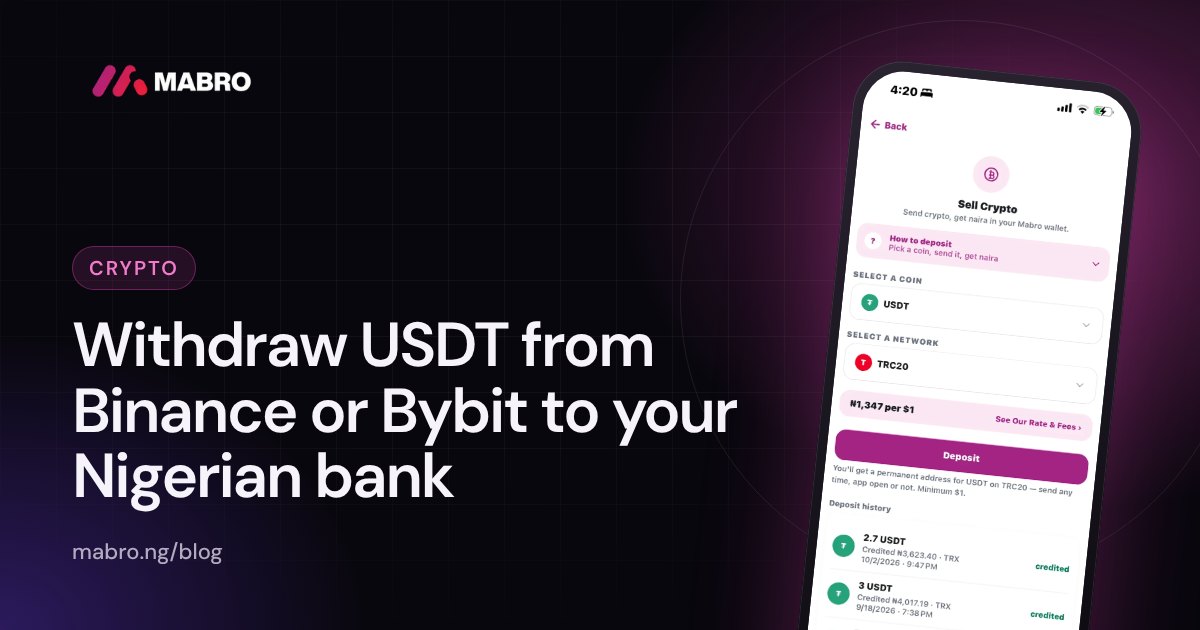
You have USDT sitting on Binance or Bybit and you want naira in your Nigerian bank account. A few years ago that was one tap on Binance P2P. In 2026 it is not, and a lot of the guides still ranking on Google describe a route that no longer exists. This guide explains what actually works today, step by step, with the fees, the risks and the mistakes that cost people money.
The short answer: neither Binance nor Bybit can send USDT straight into a Nigerian bank account. You have to turn the USDT into naira first. In 2026 there are two realistic ways to do that: sell on Bybit P2P to a buyer who pays you by bank transfer, or send the USDT to a Nigerian cash-out app such as Mabro on a cheap network (TRC20 or BEP20), swap it to naira at a rate shown upfront, and withdraw to your bank.
Why you cannot withdraw USDT directly to a bank account
USDT is a token on a blockchain. A bank account holds naira. There is no way for a blockchain transfer to land in a GTBank or Opay account, so somebody has to buy the USDT from you and pay you naira. Every “withdraw USDT to bank” method is really one of two things:
- A person buys it from you (P2P). The exchange holds your USDT in escrow while a stranger sends naira to your bank account.
- A company buys it from you (a cash-out app or a licensed local exchange). You send the USDT to the company, it credits your naira balance, and you withdraw to your bank.
The difference matters: with P2P your bank account receives money from strangers, which is what gets Nigerian bank accounts flagged and frozen. With a company, you only ever receive naira from the company itself.
What changed: Binance no longer supports naira
Binance delisted naira P2P trading on 28 February 2024 and removed its naira spot pairs in early March 2024. As of late 2026 the naira is still missing from Binance’s P2P currency list, so there is no “Sell USDT for NGN” button on Binance any more, whatever an older blog post says.
What Binance still lets you do is withdraw USDT on-chain to any address you choose. That is the key step in every method below: you move the USDT out of Binance to somewhere that will pay you naira.
Option 1: Send USDT to a cash-out app and swap to naira
This is the simplest route for most people and the one with no stranger involved. Here is how it works with Mabro; other reputable apps follow a similar pattern.
Step 1: Get your USDT deposit address
- Open the Mabro app and tap Sell Crypto.
- Choose USDT, then choose the network. TRC20 (TRON) is the usual choice in Nigeria because it is cheap and fast; BEP20 (BNB Smart Chain) is also low-cost; ERC20 (Ethereum) works but costs more to send.
- Copy the address with the copy button. It is your own permanent address for that network, so you can reuse it.
Step 2: Withdraw from Binance
- In Binance, go to Assets (or Wallet) and choose USDT.
- Tap Withdraw and choose Send via crypto network (on-chain).
- Paste your Mabro address.
- Open the network list and select the same network you chose in Mabro, for example TRX Tron (TRC20).
- Enter the amount. Binance shows its withdrawal fee for that network before you confirm.
- Confirm with your email, authenticator or passkey codes.
Step 2 (alternative): Withdraw from Bybit
- In Bybit, go to Assets, choose USDT, then Withdraw.
- Choose On-chain withdrawal, paste your Mabro address and pick the matching network (TRC20 or BEP20).
- If Bybit asks you to add the address to your address book first, do it and label it “Mabro USDT TRC20” so you never mix it up.
- Check the fee, enter the amount and confirm with your security codes.
Step 3: Swap to naira and withdraw
- When the transfer confirms on the network (usually a few minutes on TRC20 and BEP20), Mabro credits your crypto wallet in US dollars. Because USDT is a dollar stablecoin, the value is the same.
- When you want naira, tap Swap, enter how many dollars to convert, and the app shows you the exact naira you will get at the current rate before you confirm.
- Confirm with your PIN. Your naira wallet is credited immediately.
- Tap Transfer and send the naira to any Nigerian bank account. It usually arrives in seconds.
You can check today’s market rate on the live crypto to naira rate page before you send. The full walkthrough, including screenshots of each step, is on how to sell USDT on Mabro.
Option 2: Sell on Bybit P2P
Bybit still runs a naira P2P marketplace. You post or accept an offer, Bybit locks your USDT in escrow, the buyer sends naira to your bank account, and you release the USDT once you have confirmed the money arrived.
- Go to Trade > P2P and select Sell, USDT, NGN.
- Pick a buyer. Look at completion rate, number of orders and how long they take to pay.
- Enter the amount. Your USDT moves into escrow.
- Wait for the buyer to send naira to the bank account on your P2P profile.
- Open your banking app and confirm the money has arrived in your account, in the right amount, from a name that matches the buyer.
- Only then release the USDT.
P2P can give a slightly better rate on a good day, but it has real risks that the rate does not show. We cover them in detail in Mabro vs Bybit P2P.
The risks of P2P you need to know
- Fake credit alerts. A buyer marks the order as paid and sends a fake SMS or a doctored screenshot. If you release on the strength of an alert, the USDT is gone. Only trust the balance inside your banking app. Read how fake alerts work.
- Third-party payments. The money comes from a name that is not the buyer’s. That is often stolen money being laundered through your account.
- Frozen bank accounts. If a payment you received is later reported as fraud, your bank can place a post-no-debit restriction on your account while it investigates, even though you did nothing wrong. This is the most common P2P horror story in Nigeria. See why P2P trades get bank accounts frozen.
- Time. You may wait for a buyer, wait for payment, and handle disputes. Large amounts often need splitting across several buyers.
P2P vs cash-out app: side by side
| Bybit P2P | Cash-out app (e.g. Mabro) | |
|---|---|---|
| Who pays you | A stranger, by bank transfer | The app, into your naira wallet |
| Rate | Set by each buyer; varies | Shown upfront before you swap |
| Fake alert risk | Yes | No |
| Frozen account risk | Yes, from third-party funds | No stranger funds involved |
| Speed | Depends on the buyer | Minutes for the deposit; instant swap and transfer |
| Disputes | Through exchange support | One company’s support |
Which network should you withdraw on?
The network decides how much you pay to move the USDT and how quickly it arrives. It does not change the value of the USDT.
| Network | Blockchain | Address starts with | Cost | Speed |
|---|---|---|---|---|
| TRC20 | TRON | T | Low | Minutes |
| BEP20 | BNB Smart Chain | 0x | Usually lowest | Minutes |
| ERC20 | Ethereum | 0x | Highest, varies | Varies with traffic |
Exchanges set their own withdrawal fee per network and show it before you confirm, so compare the fees on the withdrawal screen rather than relying on old figures. For a deeper explanation read TRC20 vs BEP20 vs ERC20.
Mistakes that lose people money
- Choosing the wrong network. BEP20 and ERC20 addresses both start with 0x and look identical. If the deposit address is BEP20, the exchange withdrawal must also be BEP20. A mismatch is the most common reason a deposit does not arrive.
- Typing the address. Always copy and paste, then check the first and last four or five characters. Some clipboard malware swaps addresses.
- Sending a different token. Send USDT to a USDT address. Sending USDC, BTC or another token to it can mean losing it.
- Skipping a test. For a large amount, send a small amount first and wait for it to be credited.
- Releasing P2P escrow early. Never release until the naira is visible in your banking app.
- Using an unknown “agent”. WhatsApp and Telegram dealers who ask you to send first and promise naira later are the riskiest option of all.
How long does it take?
With a cash-out app, the slow part is the blockchain confirmation: usually a few minutes on TRC20 and BEP20. The exchange may also hold the withdrawal for a short security review, especially for a new address. Once the deposit is credited, the swap and the bank transfer take seconds. With P2P, the timing depends entirely on how quickly a buyer pays and how quickly you can confirm the payment.
What about tax and records?
The Nigeria Tax Act 2025, in force from January 2026, treats gains from digital assets as taxable income. Keep a simple record of each sale: the date, the amount of USDT, the naira received and the reference. Mabro keeps every deposit, swap and withdrawal in your transaction history, which makes this easier. If your amounts are large, speak to a tax professional.
A worked example
Chidi has 300 USDT on Binance and needs naira for rent.
- He opens Mabro, picks USDT on TRC20 and copies his address.
- On Binance he withdraws 300 USDT on TRX Tron (TRC20). Binance deducts its network fee and sends the rest.
- A few minutes later the deposit confirms and his Mabro crypto wallet shows the dollar amount received.
- He swaps it to naira; the app shows the exact naira figure before he confirms.
- He transfers the naira to his landlord’s bank account directly from the app.
No buyer, no escrow, no money from strangers in his account.
Withdraw USDT to your bank with Mabro
Mabro gives you your own USDT addresses on TRC20, BEP20 and ERC20, credits your deposit in dollars, and lets you swap to naira at a rate shown before you confirm, then send it to any Nigerian bank in seconds. You can also sell Bitcoin, Ethereum and other coins the same way. Download Mabro to get started.
Frequently asked questions
Can I withdraw USDT from Binance directly to my Nigerian bank account?
No. Binance removed naira P2P and naira trading pairs in 2024 and has not brought them back. You can withdraw USDT on-chain to a wallet or a cash-out app, convert it to naira there, then withdraw to your bank.
Does Binance P2P still work in Nigeria?
Not for naira. Binance delisted the naira from P2P on 28 February 2024, and as of late 2026 it is still not listed.
Can I sell USDT for naira on Bybit?
Yes. Bybit still runs a naira P2P market where buyers pay by bank transfer. Only release your USDT after the naira shows in your banking app, and avoid payments from third-party names.
What is the cheapest network to withdraw USDT in Nigeria?
TRC20 and BEP20 are usually the cheapest. ERC20 on Ethereum is the most expensive. Your exchange shows its exact fee for each network on the withdrawal screen.
How long does it take to withdraw USDT to a bank account?
Through a cash-out app, usually a few minutes for the blockchain transfer, then seconds for the swap and the bank transfer. P2P depends on the buyer.
What happens if I choose the wrong network?
The deposit may not arrive and can be difficult or impossible to recover. Always match the network on the exchange to the network of the deposit address, and test with a small amount first.
Why did my bank account get frozen after a P2P trade?
Usually because the naira you received came from a fraud victim or a flagged account. The bank restricts your account while it investigates. Cash-out apps avoid this because you never receive money from strangers.
Is there a minimum amount?
On Mabro the minimum USDT deposit on TRC20 is $1; other networks show their minimum in the app. Your exchange may also have its own minimum withdrawal.
Do I pay tax on selling USDT in Nigeria?
Under the Nigeria Tax Act 2025, gains from digital assets are taxable. Keep records of your sales and ask a tax professional about large amounts.